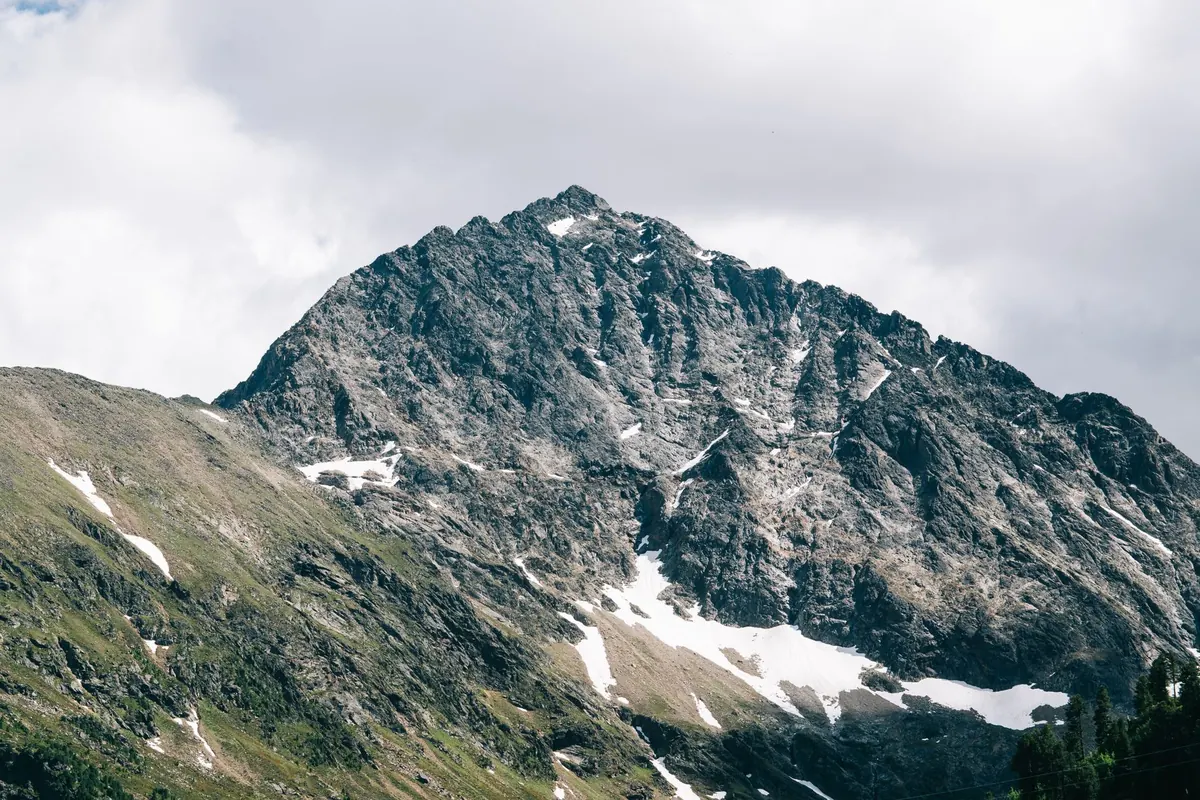
Crystal Clusters vs. Single Points: Which Specimen Should You Collect?
October 31, 2026 - Crystals
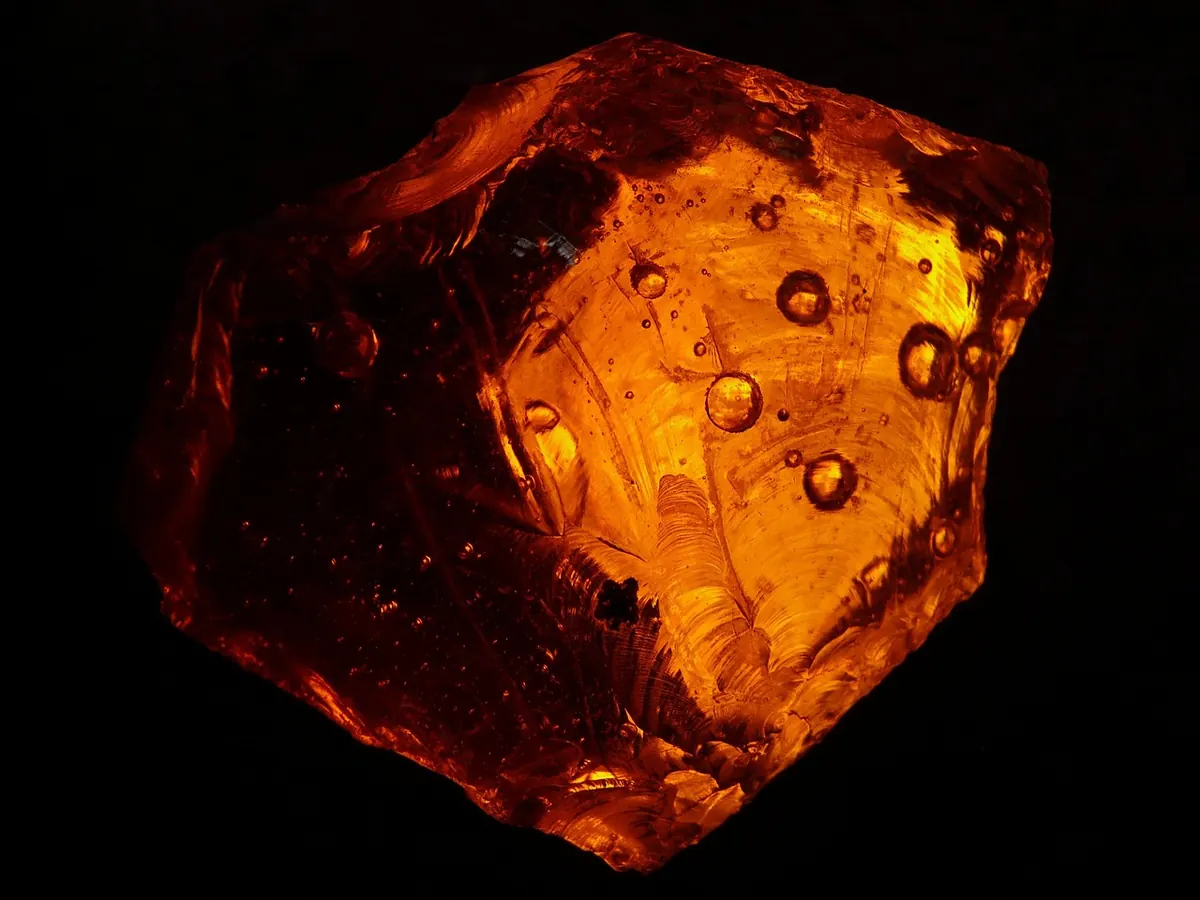
You turn a fluorite cube in your hand, the corners catch the window light, and it looks like something worth keeping. Then you take a photo and the result is a flat grey lump with a blown-out white patch where the crystal face should be. Nothing is wrong with your phone. What failed was the light, the background, and the distance you shot from — three things you can control in about ten minutes with a sheet of paper, a window and a steady hand. What follows is a working method for documenting specimens clearly: the kind of photo that lets you identify a piece a year later, match it to a label, or show it to someone who cannot hold it.
At the distances you need for a thumbnail-sized crystal, a speck of dust becomes a boulder. Before anything else, give the specimen a pass with a soft brush and a blower bulb. Skip the canned compressed air for delicate acicular material, because it can snap thin crystals or drive grit into a cavity. Be careful with water as well: halite, gypsum and a number of zeolites will not appreciate a rinse, and sulfide-rich specimens can start to oxidise afterwards. A dry brush is the safe default.
Then wipe the phone lens with a microfiber cloth. That sounds too obvious to mention, and it is the most common reason phone photographs look hazy. A fingerprint over the lens scatters light from every bright facet and quietly kills contrast across the whole frame. Clean it at the start of a session, and again if you have been handling specimens between shots.
Direct midday sun and on-camera flash both do the same damage. They put a hard white specular highlight on polished-looking crystal faces and drop everything else into shadow. The camera then exposes for that highlight and the mineral goes dark. Diffused daylight solves most of it. A window on an overcast day is close to ideal, and a sheet of tracing paper taped over the glass turns a brighter window into a soft, even source.
Angle matters as much as softness. Place the main light to one side and slightly above the specimen, roughly thirty to forty degrees off the axis of the lens. This raking light picks out surface texture that flat frontal light hides: growth lines on quartz, striations on pyrite, the fine stepping on a sphalerite face. Then put a piece of white card on the opposite side as a reflector to lift the shadow. The balance you want is a bright side that still shows detail and a shadow side that still shows colour.
A window on one side and a warm ceiling bulb on the other give the camera two colour temperatures to reconcile, and it will usually pick the wrong one. Turn the room lights off and work with daylight alone, or with two matched lamps. If the camera app offers a manual or lockable white balance, set it once and leave it alone for the whole session. Consistency matters more than perfection, because a set of photos taken under identical light is far easier to compare than a set of individually well-balanced ones.
Dark, glossy specimens such as sphalerite, cassiterite or black tourmaline are a separate problem: they mostly reflect the room. A cylinder of white paper open at the front, with the lens poking through a gap, gives you a cheap light tent and removes those reflections in one move.
The background has one job — to disappear. Anything with a pattern, a colour cast or a visible horizon line competes with the specimen. A short list of materials covers almost every case:
Curve the background into a sweep rather than letting it meet a table at right angles. Tape one edge of the sheet to a box or a wall, let it fall forward, and put the specimen on the curved section. No horizon line, no distracting shadow edge, and the eye goes straight to the mineral. Follow one value rule: pale specimens on dark backgrounds, dark specimens on light ones.
Do not pinch to zoom. Digital zoom is cropping with extra steps and it throws away the detail you are trying to record. Use the main lens, or the dedicated macro or ultrawide lens if your phone has one, and move the phone physically closer until the specimen fills the frame. Most phones will focus down to a few centimetres; the trick is to set the distance by moving your hand, not by tapping the screen and hoping.
Phones have small sensors and fixed apertures, so you cannot stop down to gain depth of field. What you can do is choose your angle. For a flat specimen, shoot straight on. For a deep one, come in from slightly above so the top surface stays sharp across more of its area. A short sequence beats a single hopeful frame:
Also check that you are not shadowing the specimen with the phone or with your own head. Half the disappointing shots on a phone are simply the photographer blocking their own light.
Include a scale reference in at least one frame of every specimen: a small steel rule, a marked card, or a coin if you note which coin it is. Size is the detail people forget first, and a photo without scale tells you almost nothing about a specimen you cannot pick up. Write the measurement into the file name or a note alongside the image.
For colour, place the grey card in the frame for the first shot, then use your editing app's white balance picker on it and apply the same setting to the rest of the session. After that, keep the editing minimal. Correct exposure, correct white balance, crop. Leave the saturation and clarity sliders alone; a small push makes a specimen look vivid on screen and misleading in the hand, and heavy sharpening draws bright halos along crystal edges that were never there.
A specimen photograph is a record, not a sales pitch. The flaws belong in the frame.
Finally, keep the framing consistent across your collection. Same background, same distance, same light, specimen centred and filling the same proportion of the image. A catalogue of two hundred photos taken that way is genuinely useful; two hundred individually art-directed ones are a scrapbook.
You do not need much: a blower bulb, a soft brush, a microfiber cloth, a sheet of grey card, a sheet of black velvet, a sheet of tracing paper, a piece of white card for reflecting, a small clamp tripod and a steel rule. Keep them together in a box so setup takes a minute rather than an evening. Then work in batches — one drawer, one tray, one box at a time — so the light and the settings stay fixed and the photos sit together sensibly in your files.
Name each file with species, locality and a date while you still remember them. That habit costs seconds and saves hours later. And if you want to test the whole method, start with the ugliest specimen you own. If a dull grey lump reads clearly in the photograph, the light is right, the background is right, and the good pieces will be easy.
Photo: Hans / Pixabay
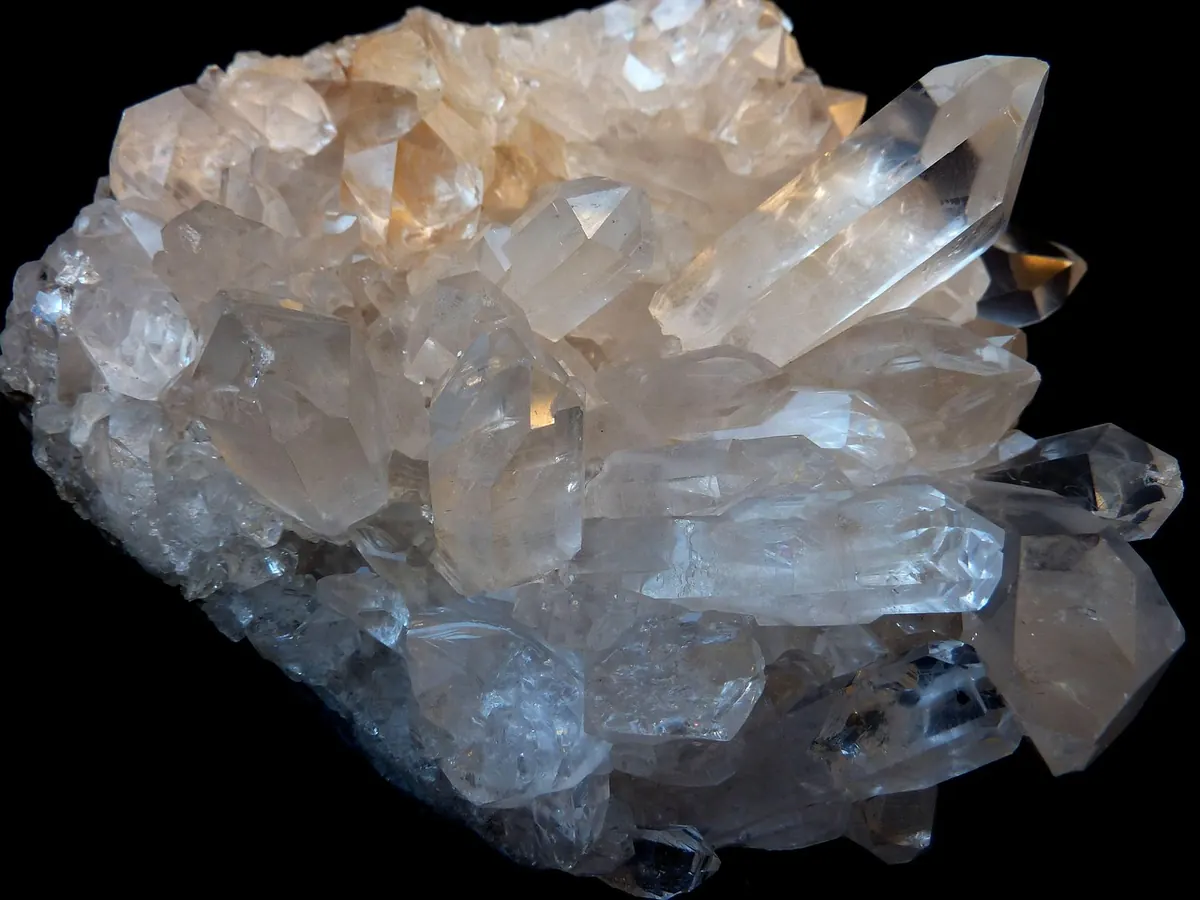
Clusters bring drama, context and a story about how crystals grow; single points bring clarity, easy display and a...
Mohs hardness testing can identify minerals and narrow unknowns, but only if scratches are made on inconspicuous...
Copyright © 2026 Quarzo Diario. All Right Reserved.